
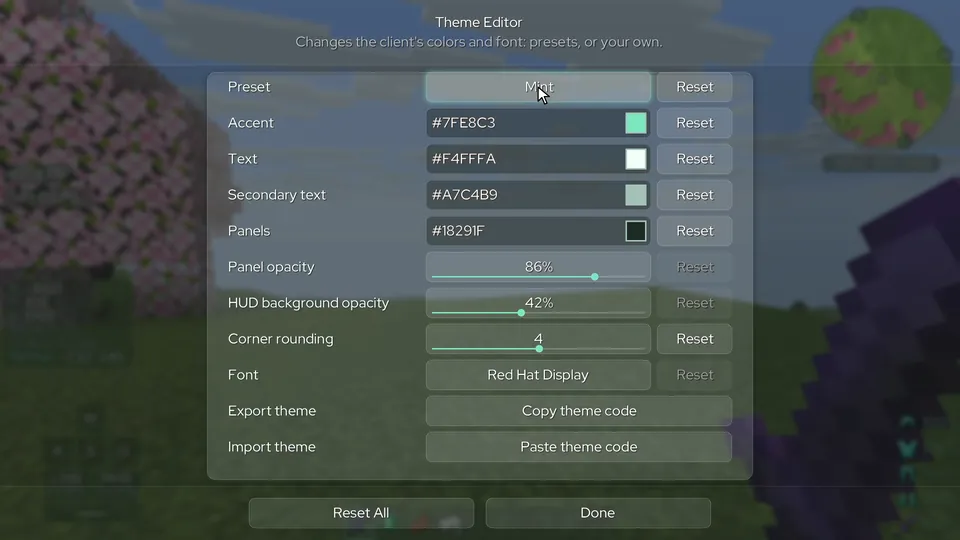
Theme editor
Start from a preset or set the accent, text and panel colors, opacity, corner rounding and font yourself. A theme exports as a code that anyone can paste in.
incari client
The latest Minecraft: Java Edition, in a browser tab. Incari moves to each new release as it comes out, joins servers from 1.8 up, and comes with 28 PvP and quality-of-life modules.
in-game footage, real time
Latest
java edition release, updated as new versions come out
1.8+
server versions it joins, up to the newest
28
modules in one menu, from keystrokes to a full minimap
60fps
median on a dual-core laptop with 3 GB of RAM*
multiplayer
Old and new servers both work, with no setup on your end. On a 1.8 server, combat and movement feel the way they did in 1.8.
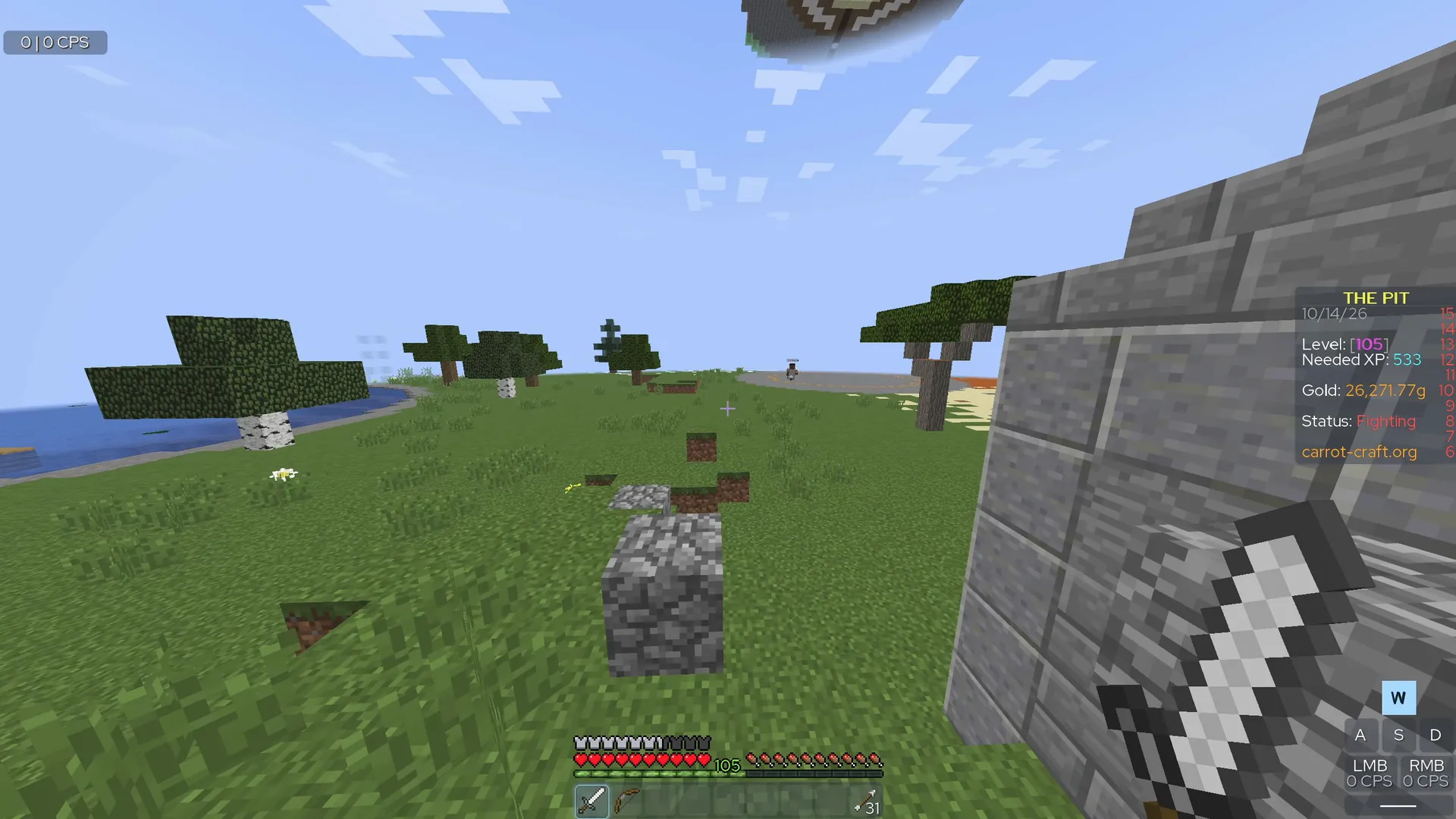
performance
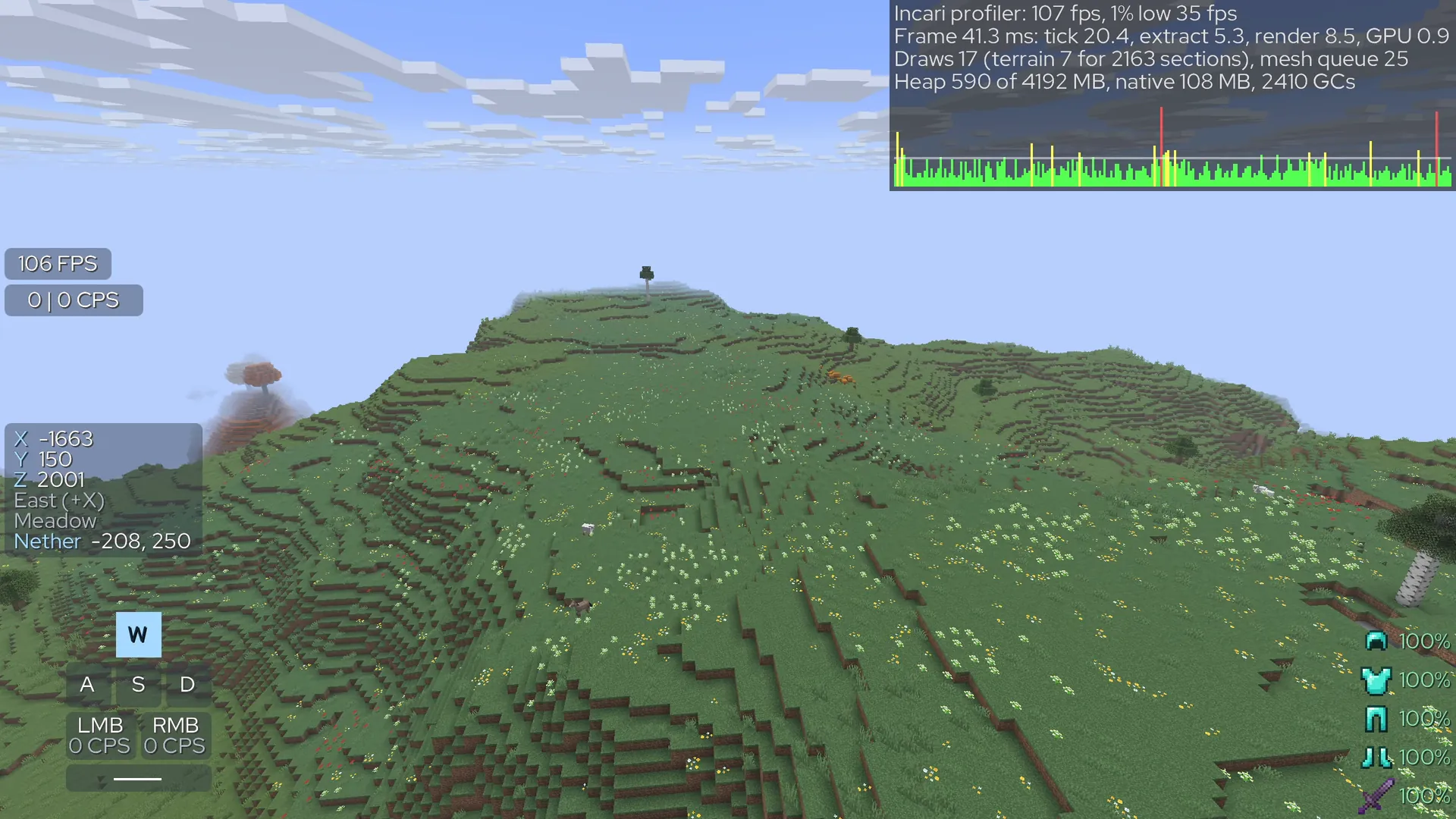
Incari is tuned to run well on school laptops and other weak hardware, and it starts on the lightest graphics settings. Turn them up if your machine can take it.
singleplayer
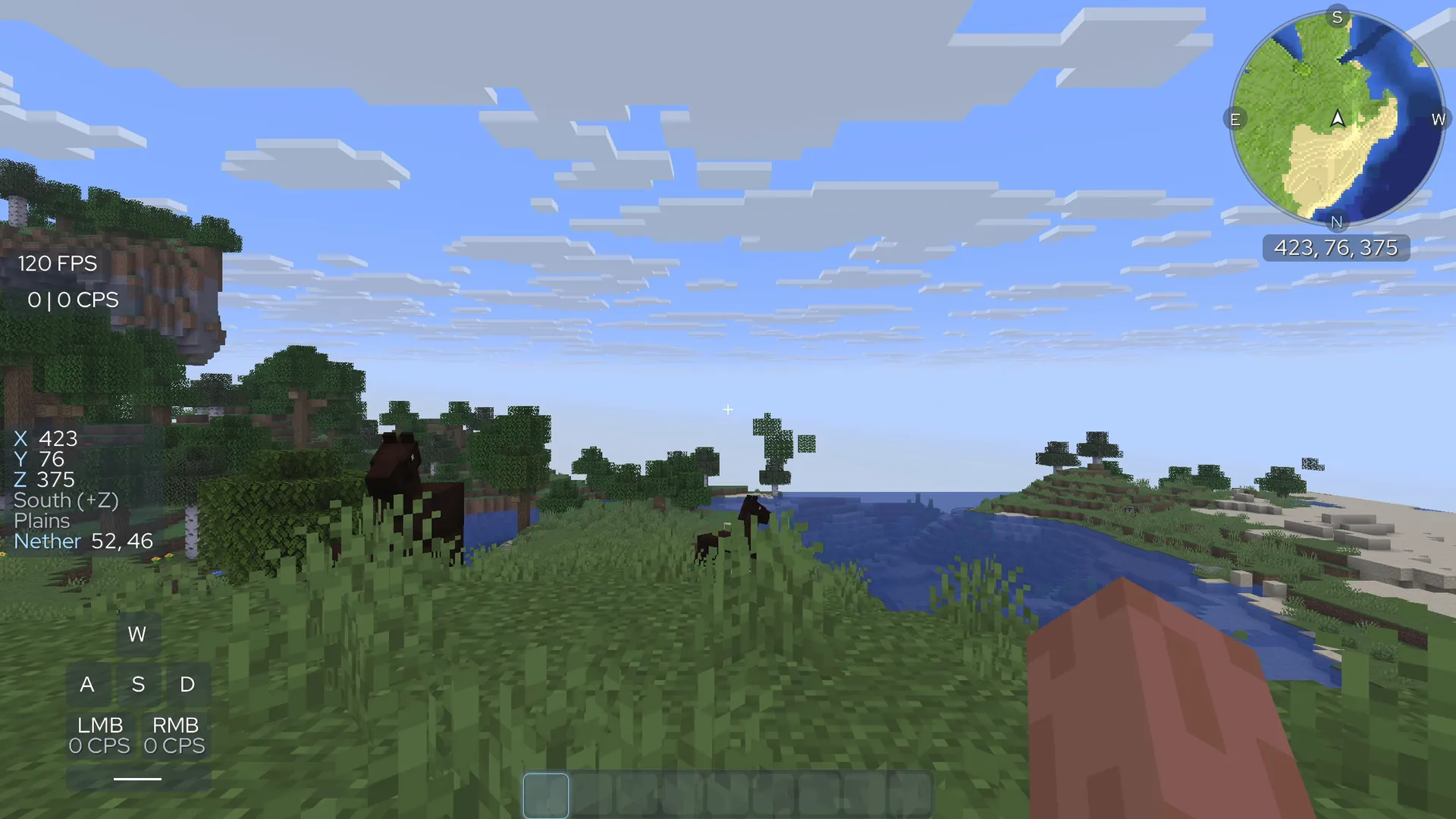
Create a world and play it right in the browser, with nothing to install. Your worlds are saved on your device. Incari also fits in a single file that opens from your computer and plays offline.
modules
Each has its own settings and keybind. HUD elements can be dragged, scaled and snapped in the HUD editor, and settings save to profiles.
Armor and held item with durability, and active effects with time left.
Removes the dark box behind chat.
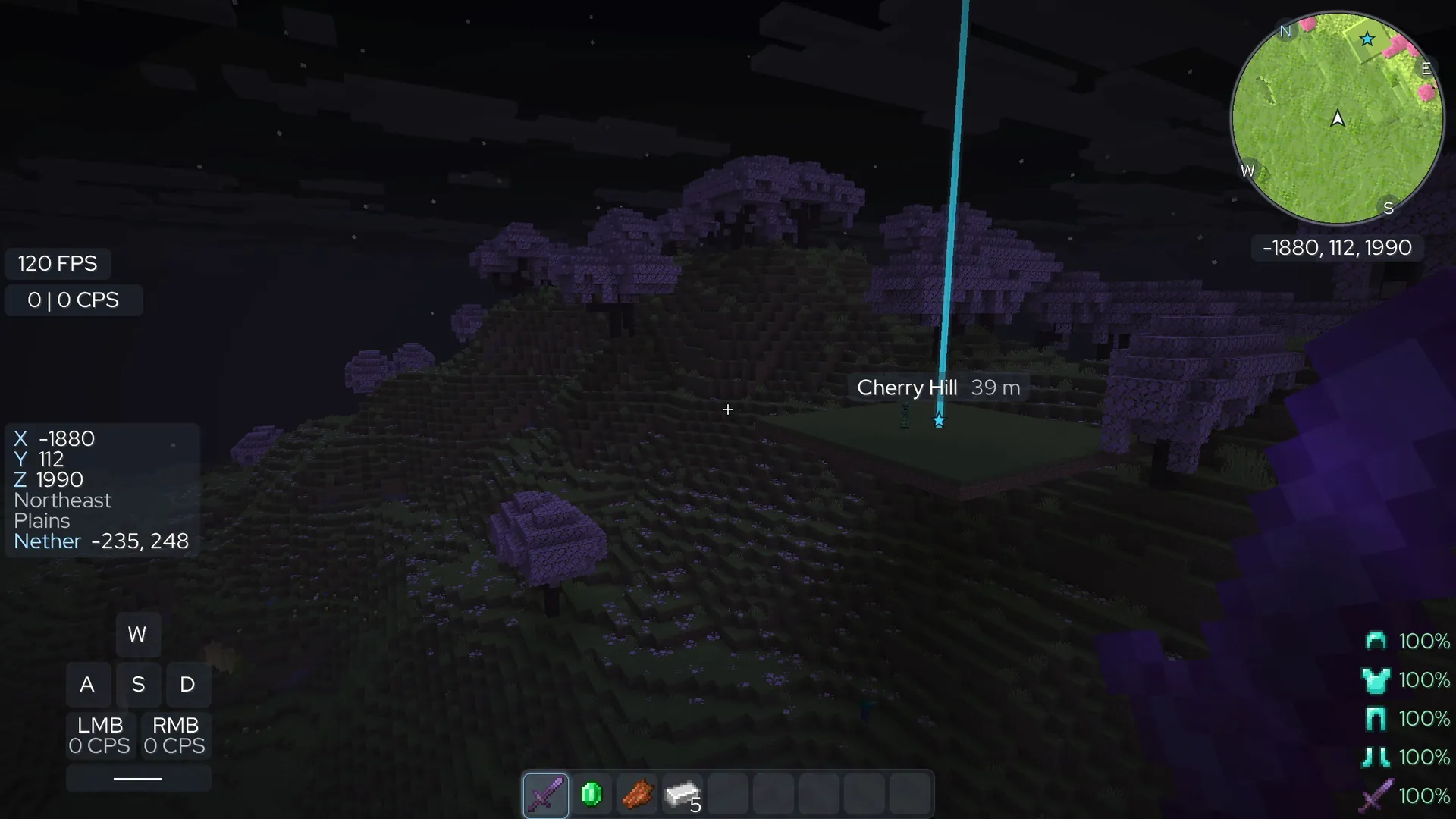
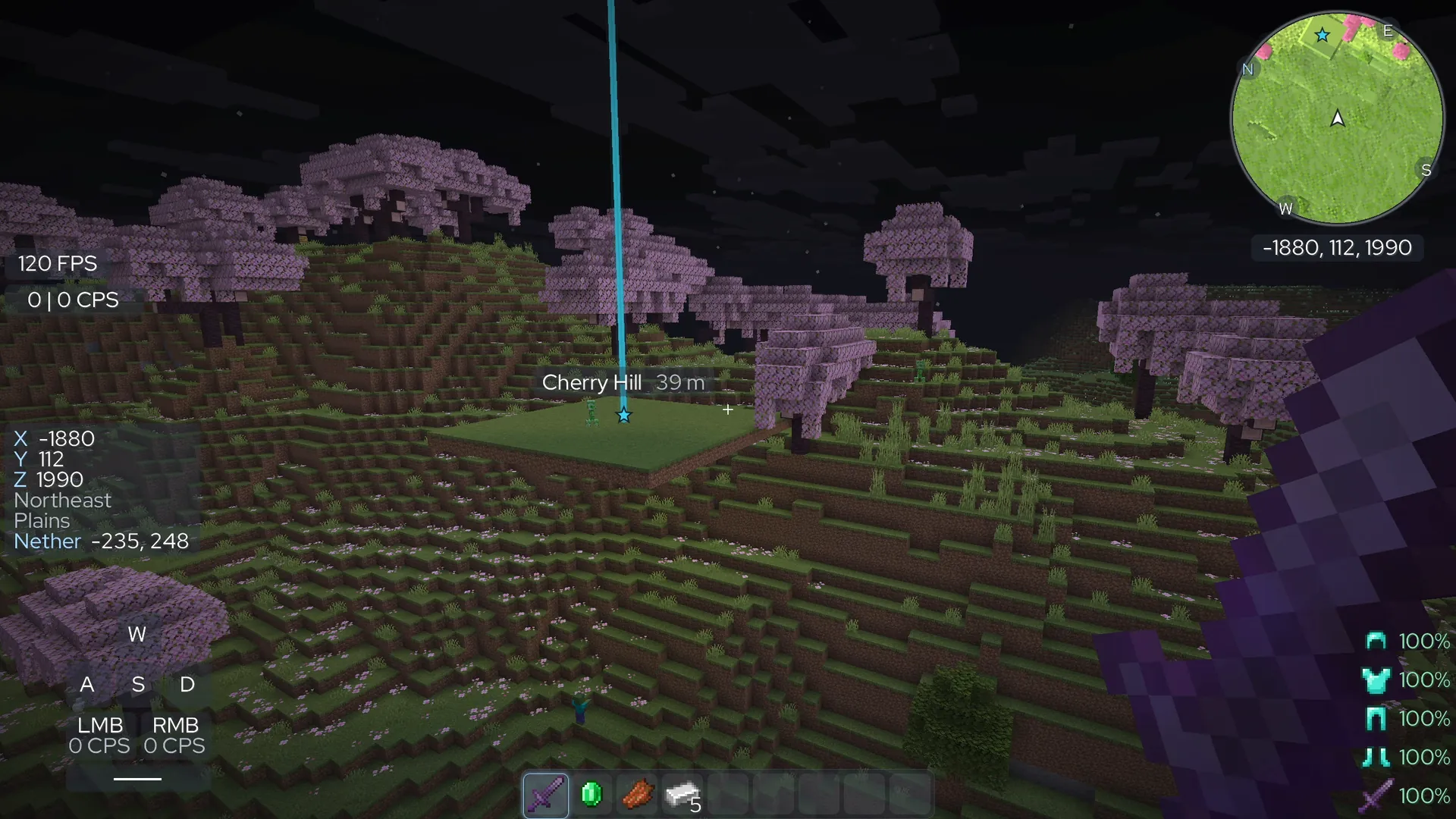
Position, facing, biome, and the matching spot in the other dimension.
Clicks per second over the last second.
Place and scale the server's sidebar like any HUD element.
Frames drawn in the last second.
Movement keys, mouse buttons and space bar, lit while held.
Round or square, north-up or turning, with a world map on M.
Shield durability, axe cooldowns, and how many totems you carry.
The attack cooldown as a bar, ring or percentage.
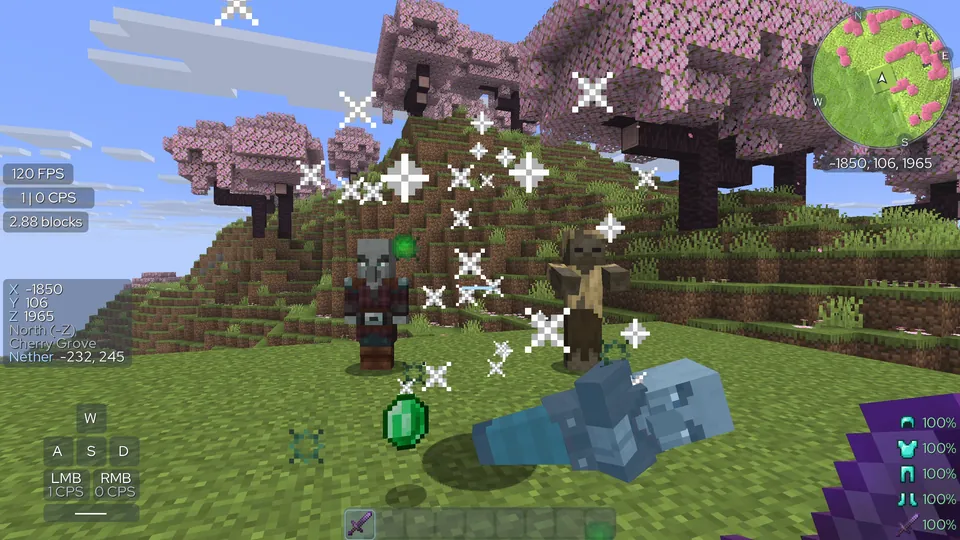
Particles on every hit, and a bigger burst with a sound on a kill.
How far your last hit reached.
Latch sprint or always sprint, and optionally sneak.
Block-hitting, item positions and sword blocking as 1.7 drew them.
Your own color and width for the outline, with an optional fill.
Build one from sliders, or draw it on a 15×15 grid.
Recolors the enchantment shimmer on items and armor.
Look around without turning your player.
Caves and nights lit like day, on your screen only.
Changes the red hurt flash to any color.
Draws the fire overlay lower so it hides less.
Draws the shield lower in first person.
Stops the camera tilting when you're hit.
Programmer Art, the pre-1.14 textures, on a toggle.
Smaller swords in first person, like 1.8 PvP packs.
Weather and time of day on your screen only.
A shulker box's contents as a grid in its tooltip.
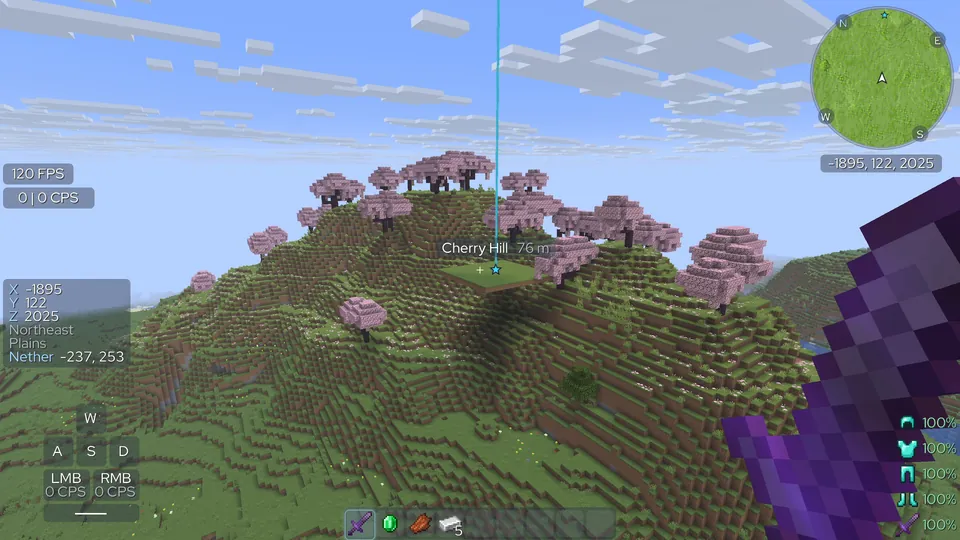
Named, colored markers with beams. Deaths leave one.
looks
Menus and HUD follow one theme, and the wardrobe dresses your player.
Start from a preset or set the accent, text and panel colors, opacity, corner rounding and font yourself. A theme exports as a code that anyone can paste in.
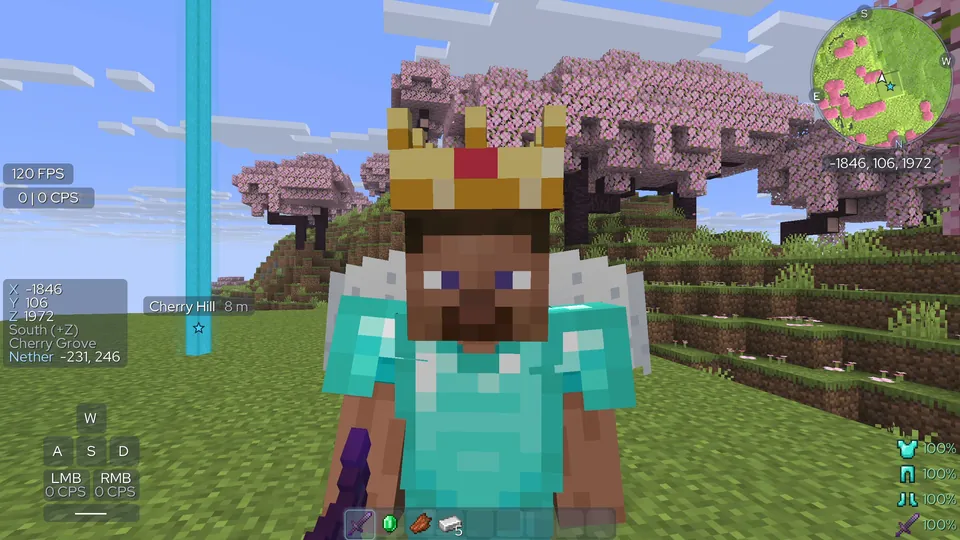
Capes, hats, wings, name tags, trails and emotes. Without an account only you see them. Sign in to an optional Incari account and other Incari players see them too, along with friends, messages, and a badge beside each other's names.
faq
Yes. Playing without owning the game is piracy, and Incari doesn't change that.
The latest Java Edition release. Incari moves to each new one as it comes out, and still joins servers back to 1.8.
Recent versions of Chrome, Edge, Firefox and Safari. Chrome, Edge and Firefox get the faster version. Where both work, the loading screen lets you choose.
No. Incari is not an official Minecraft product and is not approved by or associated with Mojang or Microsoft.
Report bugs and share ideas on GitHub. If you want to contribute code, start with CONTRIBUTING.md. Please report security problems privately, through GitHub's vulnerability reporting.